







-
Sale!
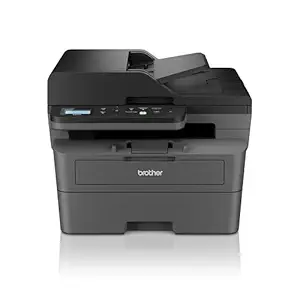 printer
DCP-L2640DW New Launch Auto Duplex Laser Printers
Original price was: $520.00.$490.00Current price is: $490.00. Add to cart -
Sale!
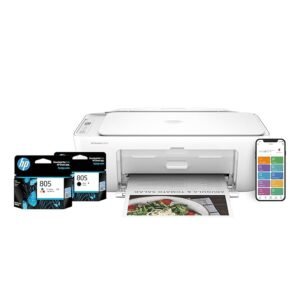 Uncategorized
Deskjet 2820 WiFi Colour Printer – Print/Scan/Copy Ideal for Home
Original price was: $110.00.$90.00Current price is: $90.00. Add to cart -
Sale!
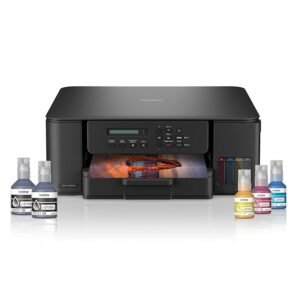 printer
Ink Tank DCP-T535DW New Launch WiFi Auto Duplex Printer
Original price was: $600.00.$475.00Current price is: $475.00. Add to cart -
Sale!
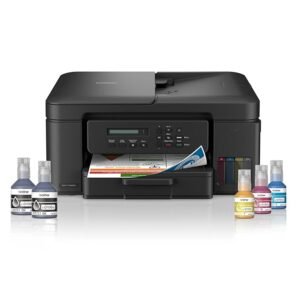 printer
Ink Tank DCP-T730DW (New Launch) WIFI Auto Duplex Color
Original price was: $195.00.$170.00Current price is: $170.00. Add to cart -
Sale!
 printer
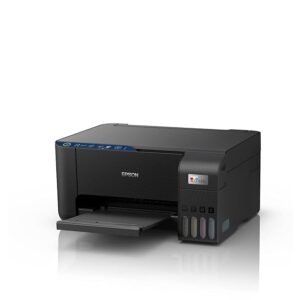
L3252 Wi-Fi All-in-One Ink Tank Printer (Black)
Original price was: $169.00.$134.00Current price is: $134.00. Add to cart -
Sale!
 printer
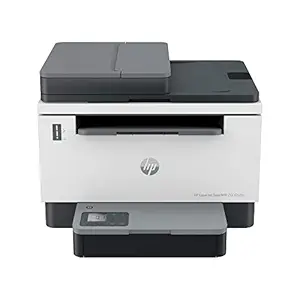
Laserjet Tank MFP 2606sdw, Wireless, Print, Copy, Scan
Original price was: $280.00.$255.00Current price is: $255.00. Add to cart -
Sale!
 printer
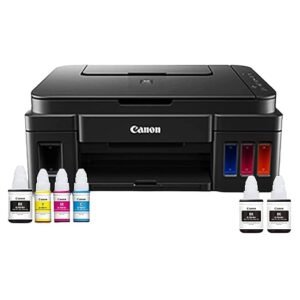
PIXMA MegaTank G3000 All in One WiFi Inktank Colour Printer
Original price was: $130.00.$110.00Current price is: $110.00. Add to cart -
Sale!
 printer
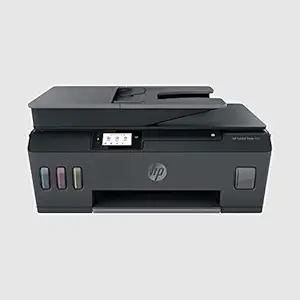
Smart Tank 530 All-in-one WiFi Colour Printer with ADF
Original price was: $160.00.$140.00Current price is: $140.00. Add to cart -
Sale!
 printer
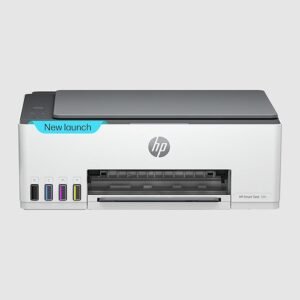
Smart Tank 580 All-in-One WiFi Colour Wireless Printer
Original price was: $165.00.$145.00Current price is: $145.00. Add to cart -
Sale!
 printer
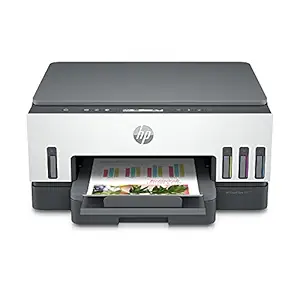
Smart Tank 720 All-in-One Auto Duplex WiFi Colour Printer
Original price was: $220.00.$180.00Current price is: $180.00. Add to cart -
Sale!
 printer
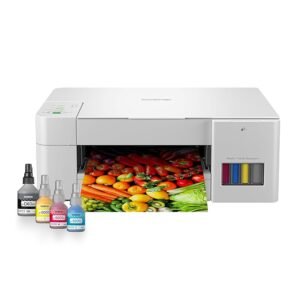
Tank DCP-T226 All in One Color Printer Best for Home
Original price was: $250.00.$210.00Current price is: $210.00. Add to cart -
Sale!
 Ink
InkWordsworth and Black Fountain Pen Ink Bottle (50 ml)
Original price was: $35.00.$28.00Current price is: $28.00. Add to cart

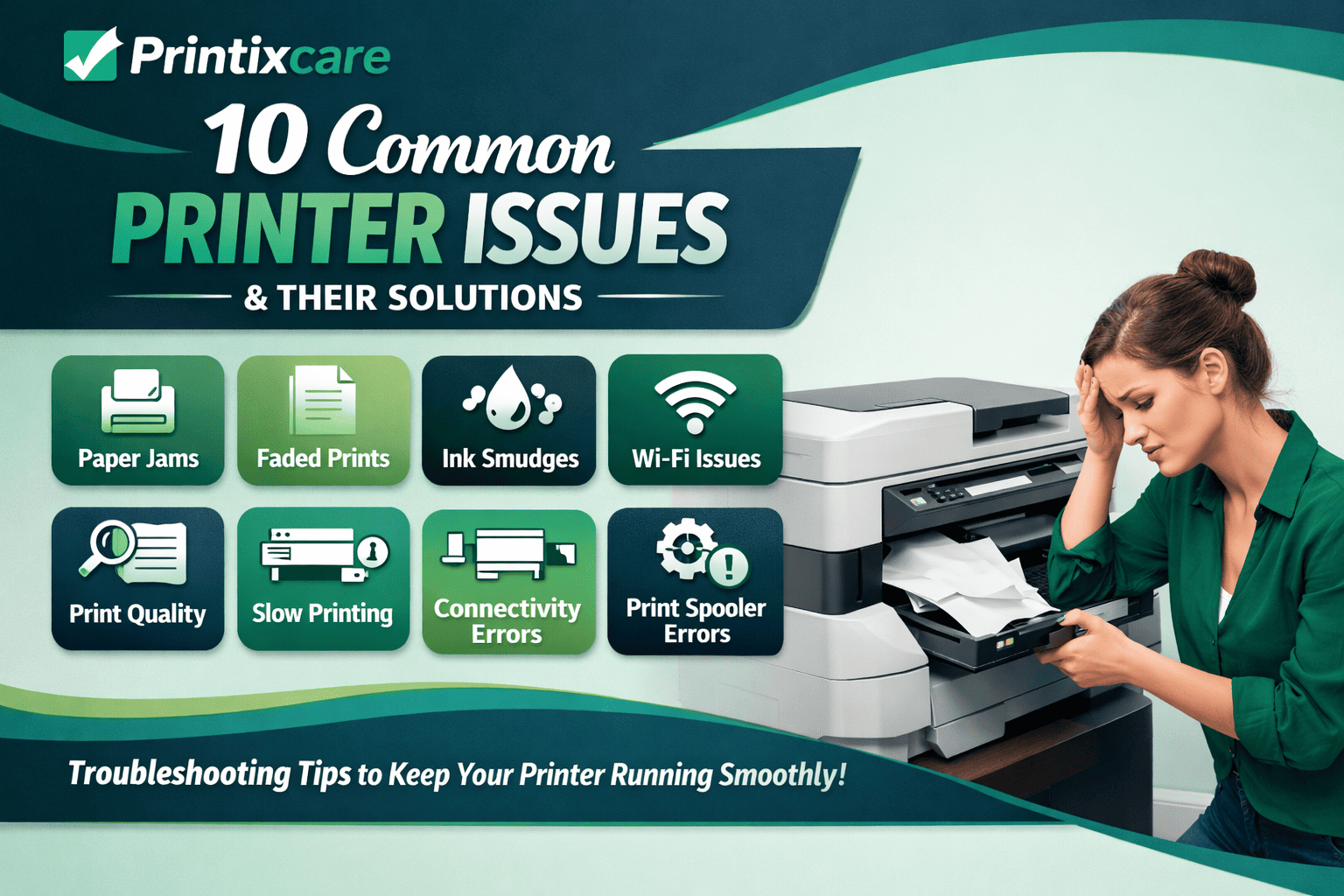
10 Common Printer Problems and Their Solutions
A Complete Guide to Troubleshooting Printers:

How Printixcare Helps You Troubleshoot Printer Issues

“I purchased a color laser printer from Printixcare a few months ago. Their team walked me through setup, driver installation, and network integration. When I ran into a paper-jam issue, their support staff guided me step‑by‑step until it was resolved. Truly dependable, timely, and friendly service. Highly recommend!”

“Printixcare delivered exactly what they promised. The printer arrived in perfect condition, and their support didn’t end there. When our office had alignment and print-quality issues, their technician connected remotely, diagnosed the problem, and fixed it within minutes. Excellent after-sales care!”

“The printer I bought from Printixcare works great — crisp prints, fast speed. What stands out is their support team: when I had driver conflicts after a Windows update, they walked me through uninstalling and reinstalling drivers properly. Only wish the initial delivery was a bit quicker, but overall very satisfied.”

“As someone who’s not very tech savvy, I was nervous about installing a new printer. Printixcare support team was patient, walked me through every step, tested connectivity, and even offered preventive tips. Later, when the scanner function stopped working, they remotely troubleshot and got it back in working order.”